Charts Chase balance alert emails on graph
| Daily graph | w/ End of month projection |
|---|---|
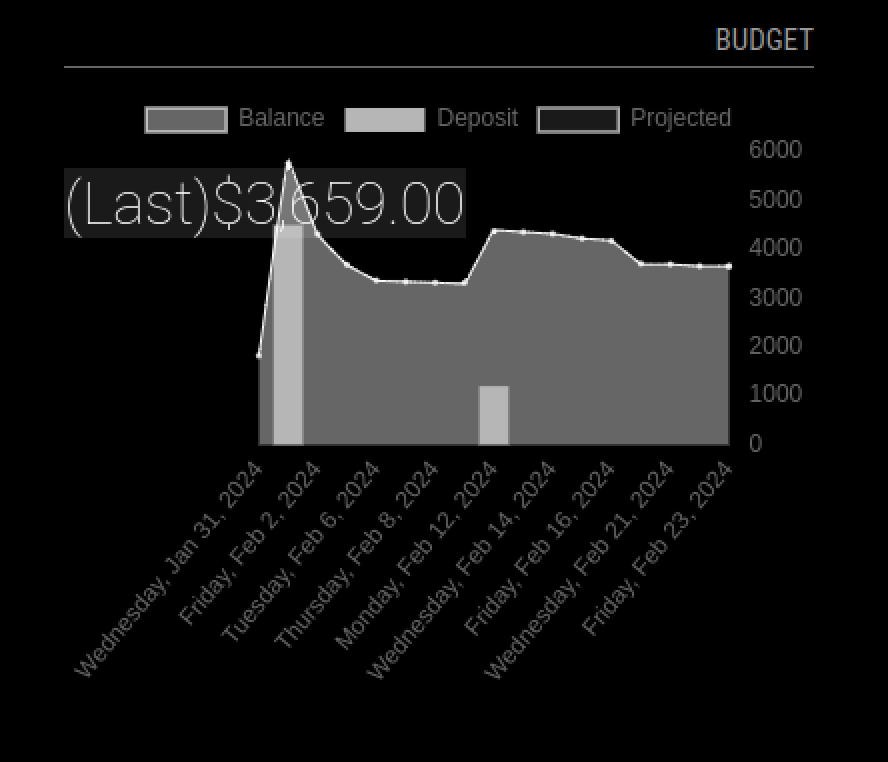 |
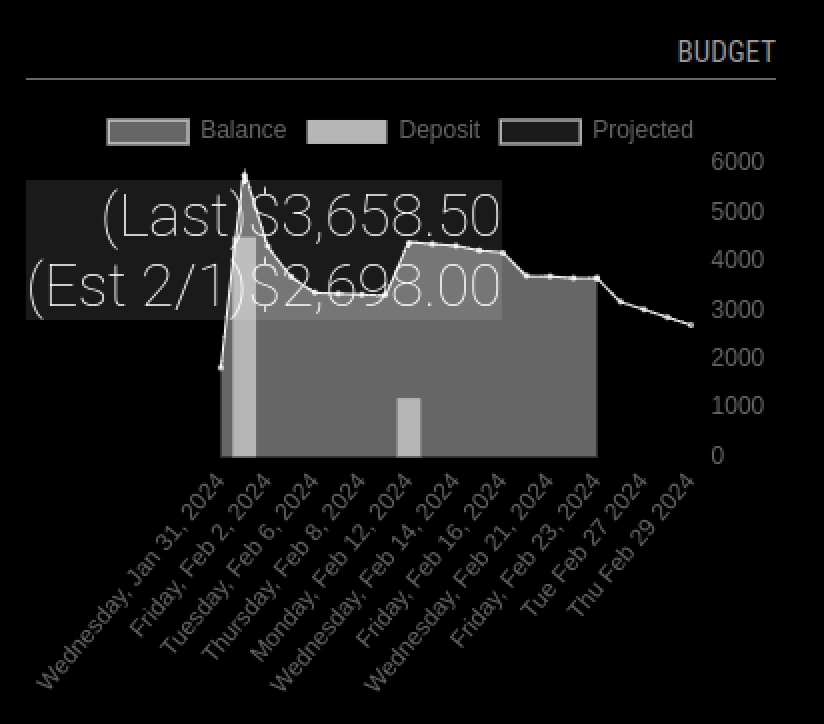 |
    cd ~/MagicMirror/modules
    git clone https://github.com/studio-1b/MMM-GraphImapChaseAlert.git
    cd MMM-GraphImapChaseAlert
npm installGoto your Chase Banking website, and send alerts to your e-mail.
Warning
Your bank information may be sensative for you. Please be sure you wish to have this information available to access in a internet accessible e-mail system.
You don't need Google, but if you send your alerts to Gmail, you need to activate IMAP for Google.
Warning
To enable IMAP for Google, you need to generate a different App password (than the one you use to login to Gmail), just for IMAP. Same username is used in the configuration below.
https://support.google.com/mail/answer/185833?hl=en
Add this entry to /config/config.js, as entry in modules: [ array, somewhere at end.
    {
        module: "MMM-GraphImapChaseAlert",
        header: "Budget",
        position: "top_right",
        config: {
            width: 350,
            height: 300,

            imapAddress: "***<IMAP server address>***", //'imap.gmail.com',
            imapPort: ***<IMAP server port>***, //993
            tls: ***<true or false if encrypted>***, //true
            tlsOptions: ***<other options, need to use option in comment below, for Gmail IMAP>***
                // { servername: 'imap.gmail.com', }, //https://stackoverflow.com/questions/59633564/cannot-connect-to-gmail-using-imap
            username: "***<email address>***",
            password: "***<IMAP password>***",
        }
    },