Repository navigation
Selection occurrences are not highlighted at the vertical scroll bar #240
Description

Environment
- Operating System: Ubuntu 14.04
- JDK version: /usr/lib/jvm/java-8-openjdk-amd64
- Visual Studio Code version: VS Code 1.13.1
- Java extension version:
Steps To Reproduce
- Open VS Code.
- Open Java file.
- Selected occurrences are highlighted in the editor and are highlighted the right vertical scroll bar.
- Open ANY other file.
- Return to ANY Java file.
- Selected occurrences are highlighted in the editor, but they ARE NOT highlighted the right vertical scroll bar.
IMPORTANT: if to disable "Java support for Java by RedHat" package, then 6th step is not reproduced (everything works fine).
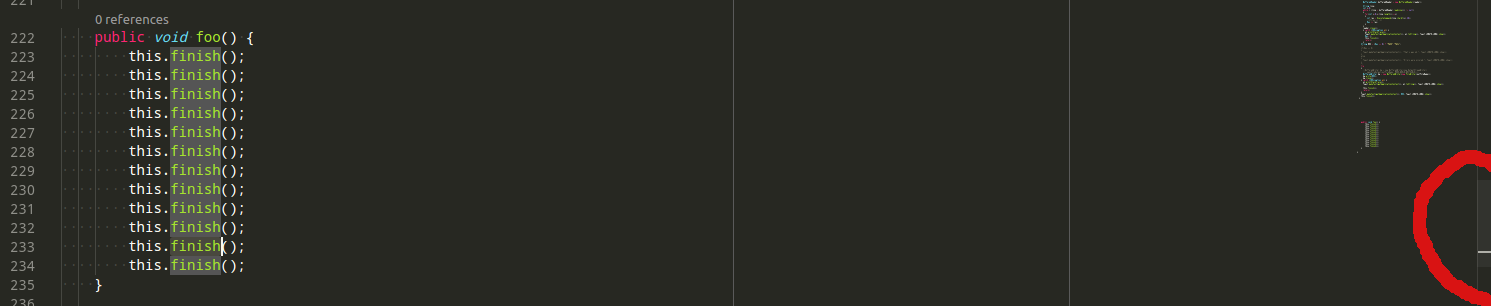
Current Result
Selection occurrences are not highlighted at the scroll bar.
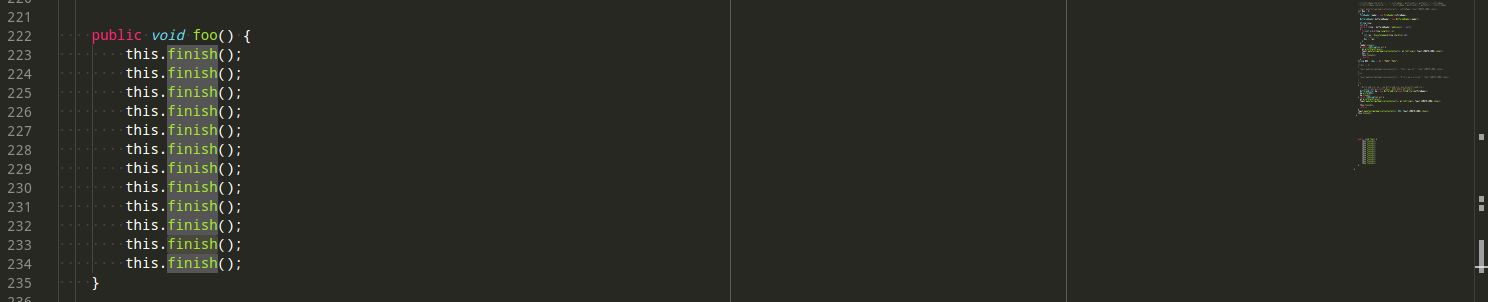
Expected Result
Selection occurrences are highlighted at the scroll bar.
Activity
fbricon commentedon Jun 15, 2017
@aeschli is JLS supposed to provide highlights for the scroll bar too?
fbricon commentedon Jun 15, 2017
Ah, actually I was thinking about the minimap. For me highlighted java code is also highlighted in scroll bar. Even after opening non-java files. But I'm on a Mac, so maybe it's a problem on Linux?
fadeevab commentedon Jun 15, 2017
Right, I mean just small grey dashes in the scroll bar.
Anyway, disabling the package make the deal for me. Enabling: and the issue comes back.
aeschli commentedon Jun 16, 2017
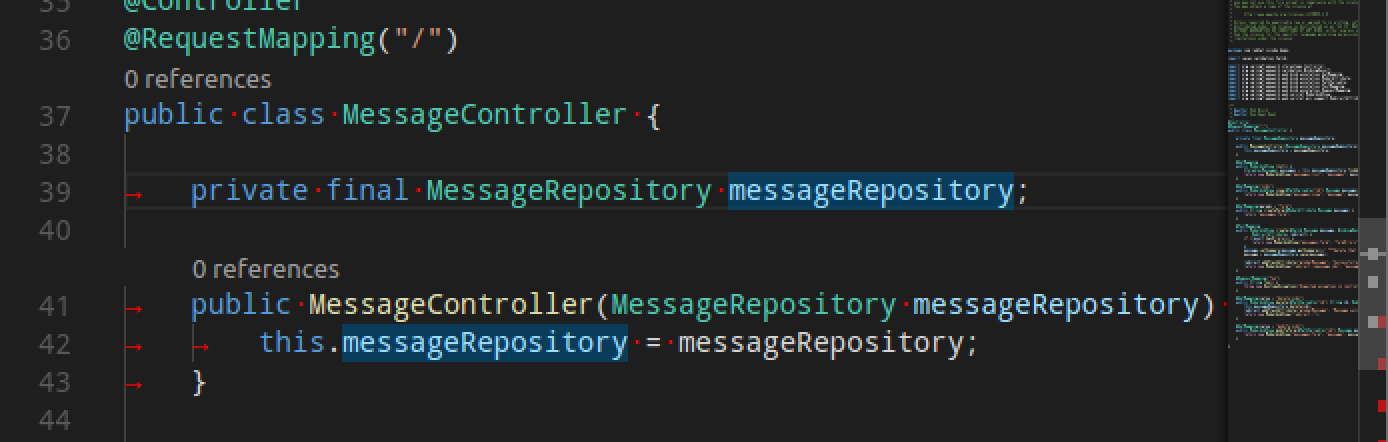
The minimap doesn't show any selections or highlights. The overview rule (under the scrollbar does).
Can you attach the file where you see the problem?
fadeevab commentedon Jun 16, 2017
@aeschli, I nothing said about minimap, only about scroll bar, here is some confusion. I should have attached the image, my fault. I will attach demo in an hour. Thank you!
fadeevab commentedon Jun 16, 2017
@aeschli, @fbricon, I added demo images into description. Thank you for your attention!
fbricon commentedon Jun 16, 2017
Ok I managed to reproduce something similar on macOS.
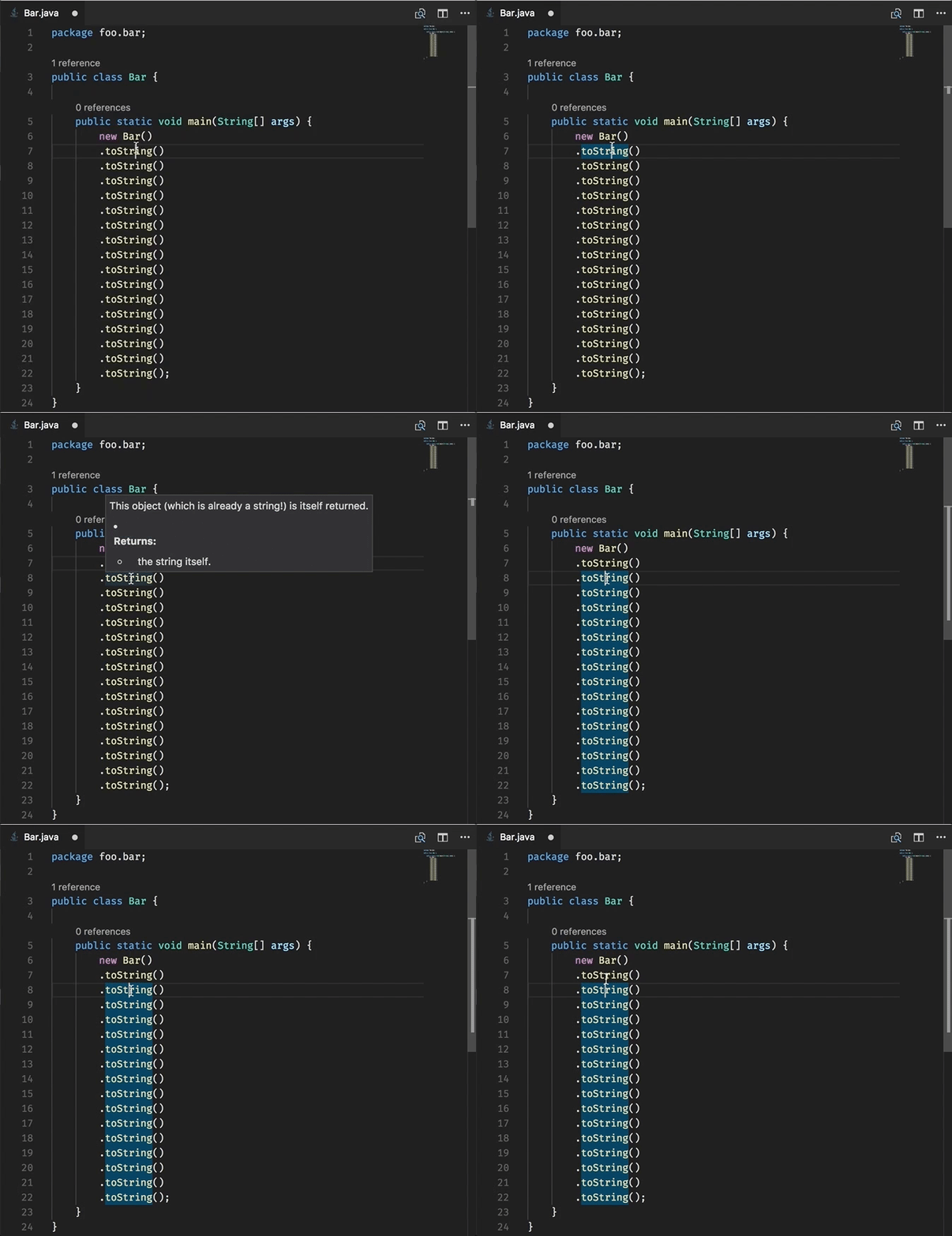
1st highlight:
2nd highlight:
So this looks like a server side issue.
fadeevab commentedon Jun 16, 2017
Seems like you reproduced yet another bug, because in my case all highlights in the editor are OK, but on the scrollbar are NOT ok. Still, it looks like in some way related.
fbricon commentedon Jun 16, 2017
@fadeevab please attach the code of your java class and the relevant message logs
fadeevab commentedon Jun 16, 2017
Code:
Double click to "toString" at the 8th line.
fbricon commentedon Jun 16, 2017
this is the
textDocument/codeActionevent. You're looking fortextDocument/documentHighlightfadeevab commentedon Jun 16, 2017
Fixed, but it's just the same
fbricon commentedon Jun 16, 2017
in your case it may be caused by your file named foo.java and your class named Bar. The server might be confused by that discrepancy (I'm not sure)
fbricon commentedon Jun 16, 2017
In my case, the highlighting bug can be reproduced in Eclipse. That's comforting. Or not.
I opened https://bugs.eclipse.org/bugs/show_bug.cgi?id=518397
fadeevab commentedon Jun 16, 2017
fbricon commentedon Jun 16, 2017
I think this is caused by the class not being compilable. You're calling
thisin a static method. The class being standalone, compilation errors are not reported.If you remove the
statickeyword from the main method, highlighting works (at least for me)fadeevab commentedon Jun 16, 2017
Now double click at "toString" works, but double click at "this" doesn't. Please, check.
fbricon commentedon Jun 16, 2017
@fadeevab indeed,
thisis not highlighted, this is the same behaviour in Eclipse. It might be done on purpose (no idea), I asked the question on https://bugs.eclipse.org/bugs/show_bug.cgi?id=518397fadeevab commentedon Jun 16, 2017
@fbricon, Ok, but still unclear for me this ideology: why to not just highlight the same occurrences which are highlighted inside the editor regardless to the ability to compile the Java file by the server?
Hm, I got the confusion: there are 2 types of highlighting - single click and custom selection (double click).
At single click server finds the symbols and highlightings.
While the custom selection editor highlights everything it found, and scroll bar shows all the occurrences.
fadeevab commentedon Jun 16, 2017
(Edited) No matter double click or custom selection: it's ok to select some range of symbols and all coincides should be highlighted - but they are not.
fadeevab commentedon Jun 19, 2017
@fbricon , I'm not sure I was clear in my comment, so I want to clarify: I assume that the "custom selection" isn't highlighted on the scroll bar while it should be highlighted (I mean the case when you select a word or a part of word and it's highlighted across the document). The "single click" is highlighted correctly the same way Eclipse has and it's ok.
I found out that the custom selection is being highlighted on the scroll bar as long as the initialization logs are being printed into output screen. Opening of another file doesn't matter: just wait for a while after you open a Java file.
robstryker commentedon Oct 28, 2026
Closing this issue as out of date and unlikely to be implemented