Read this in 한국어.
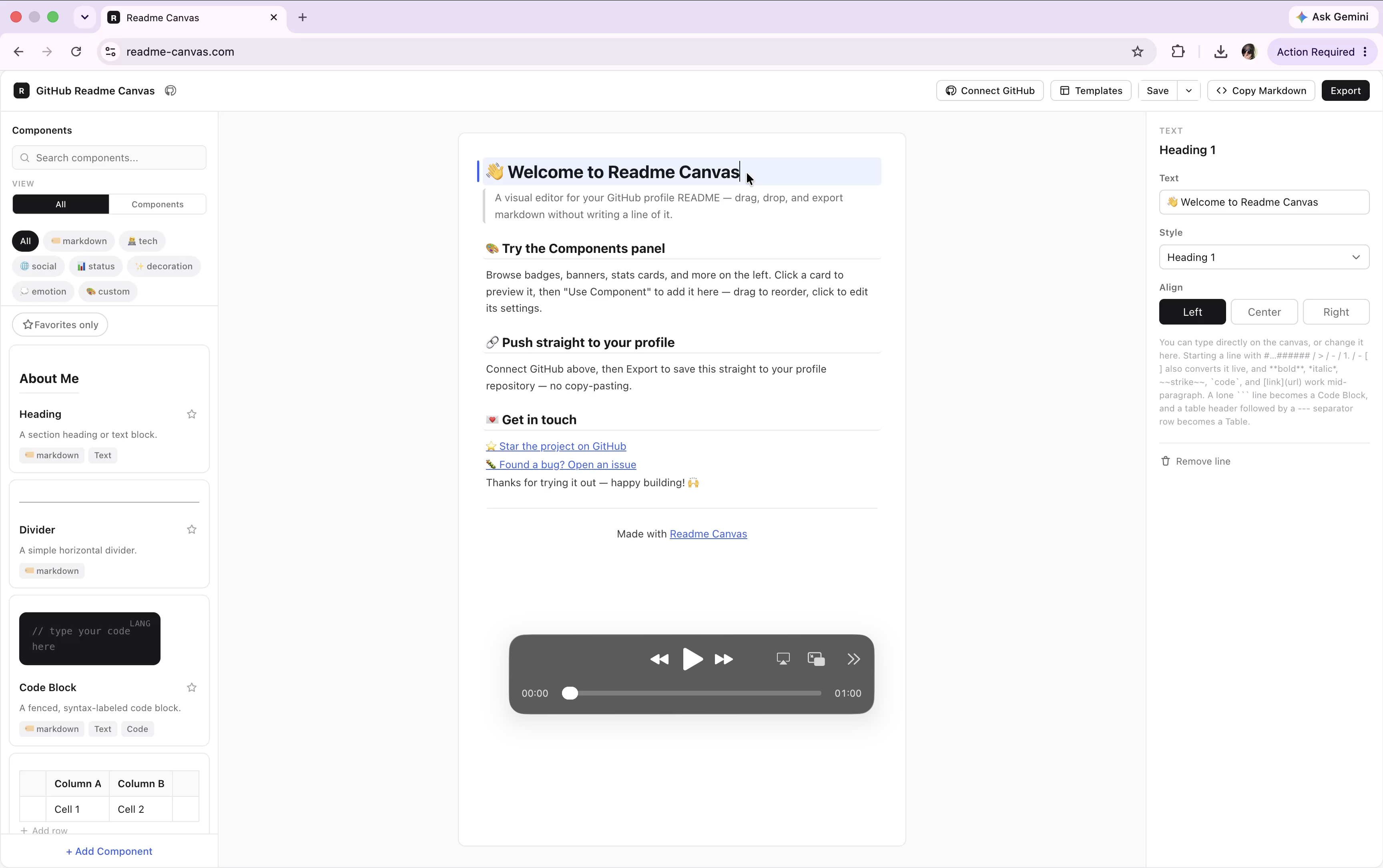
This project started with a simple idea: make it easier to create beautiful GitHub README.md files by bringing README components together in one place.
Have you ever had trouble finding the right SVGs, badges, or other README components? With readme-canvas, you can explore and find the components you need in one place.
Use a variety of styling tools to create your own README quickly — and make it look great while you're at it. ✨
¸¸♬·¯·♩¸¸♪·¯·♫¸¸¸♬·¯·♩¸¸♪·¯·♫¸¸
You don't need to create an account or log in to use readme-canvas.
However, connecting your GitHub account gives you access to additional features and makes the workflow more convenient.
Your GitHub token is not stored on our server.
Click Connect GitHub → Enter your GitHub Token
Once connected, you can push the Markdown files created with readme-canvas directly to your desired GitHub repository. You can also add your own components to the service.
If you have any questions, suggestions, or ideas for improvement, feel free to open an issue.
When creating an issue, we would appreciate it if you could use the appropriate label for your issue. 🙂
¸¸.•¨•♫♪¸¸.•¨•♫♪¸¸.•¨•♫♪¸¸.•¨•♫♪
We welcome contributions from everyone! 💗
Here are some of the ways you can contribute:
-
Project Improvements
-
Component Development
-
Translations
Among these, component development is especially important to us.
We hope readme-canvas can become a place where developers can showcase and promote their own README components. We will do our best to make the platform a useful way for you to introduce your work to others.
You can easily submit a component through the Add Component UI.
After connecting your GitHub account with a GitHub token, clicking the Add Component button will automatically create a pull request for you.
Alternatively, you can manually add a .json file and open a pull request yourself.
Community components are stored under:
src/data/community-components/
Each component has its own JSON file. This means that when you open a PR, you only need to modify your own file, so your changes should not conflict with other contributors' PRs.
-
Fork this repository.
-
Add a new file at src/data/community-components/...json.
Use lowercase letters for your ID and separate words with hyphens.
Example: social-mastodon.json
- Follow the detailed instructions in the guide below.
We have attached a detailed guide explaining how to create and submit a component. If you're interested in contributing, we'd really appreciate it if you could take a look!
Component Contribution Guide: ₍⸝⸝•ᢦ- ₎⸝⸝ި ʕᦏ´-

Thank you for your interest in readme-canvas! 💗
We have many more updates planned, and we'd love to keep improving the project with the community.
If you find readme-canvas useful, a GitHub Star would mean a lot to us!
