Aplicación de bolsa desarrollada con el stack MEAN (MongoDB, Express, Angular, Node.js). Permite a los usuarios consultar información bursátil en tiempo real y acceder a datos históricos mediante diversas APIs.
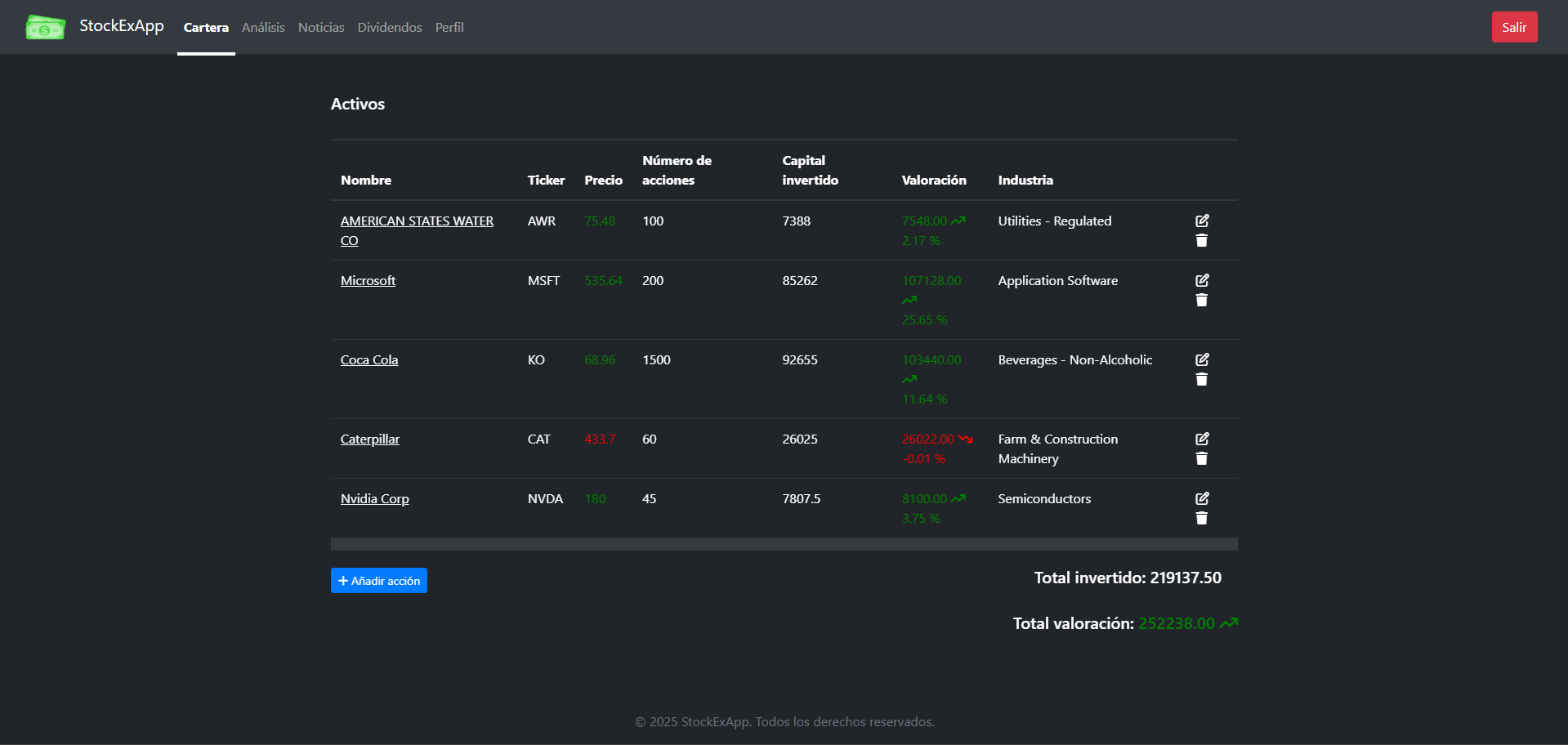
- Cotizaciones en tiempo real: visualiza precios actualizados al instante.
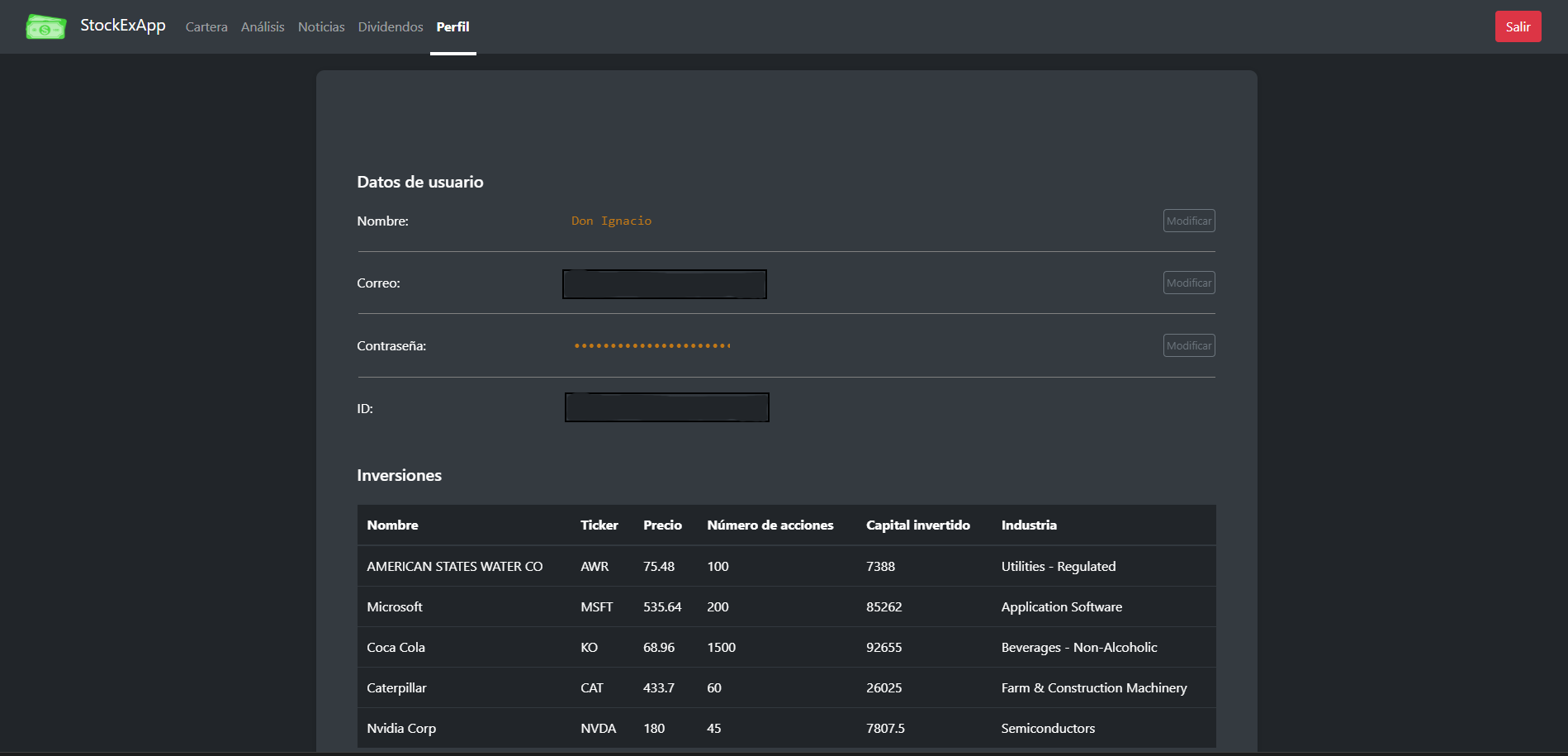
- Crear cartera de acciones: añade acciones a tu cartera de inversión.
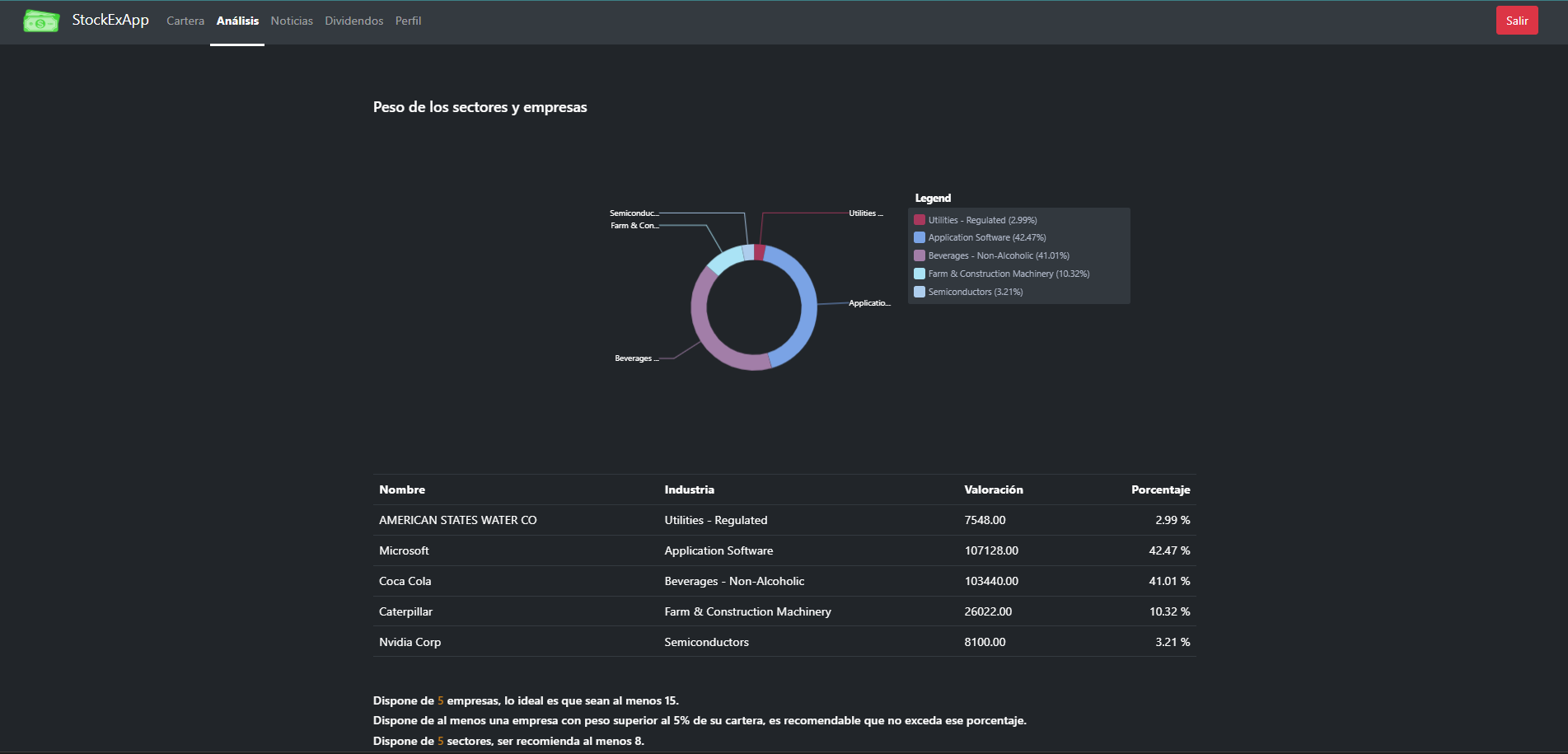
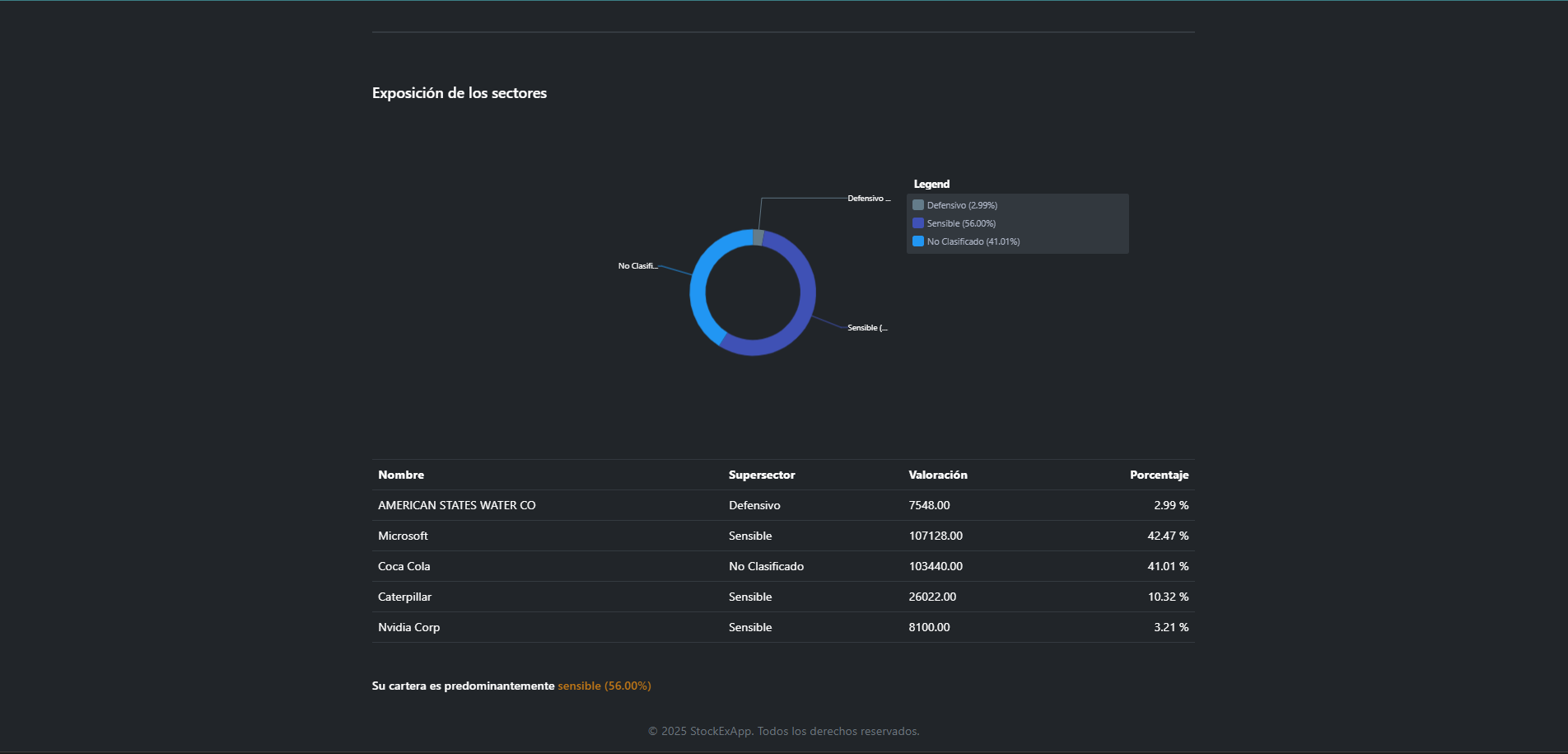
- Gráficos interactivos: se adaptan a tu cartera dinámicamente y ayudan a visualizar los diferentes sectores.
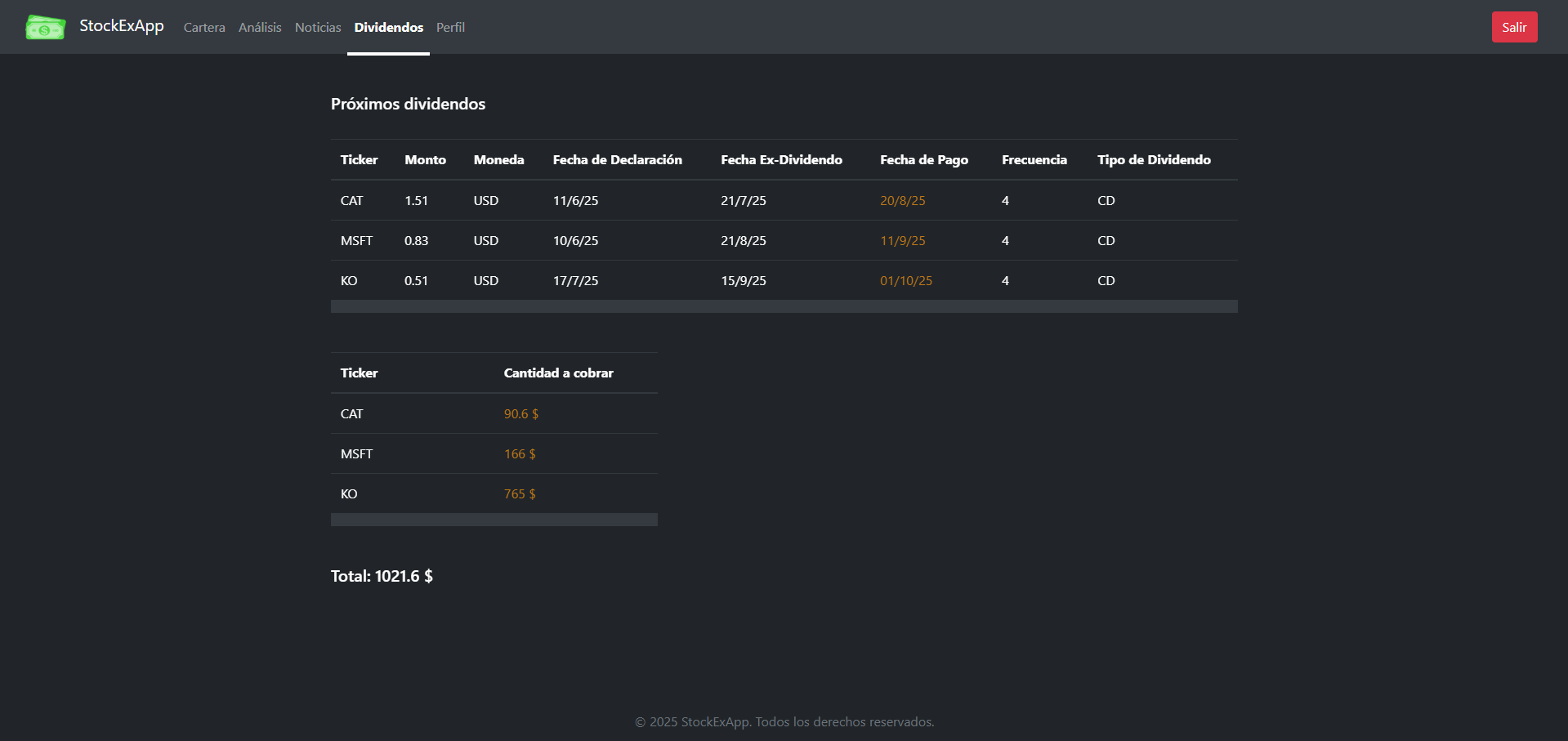
- Información sobre dividendos: proporciona información sobre dividendos a cobrar.
- Consejos básicos: en función de tu cartera, da orientaciones básicas sobre diversificación.
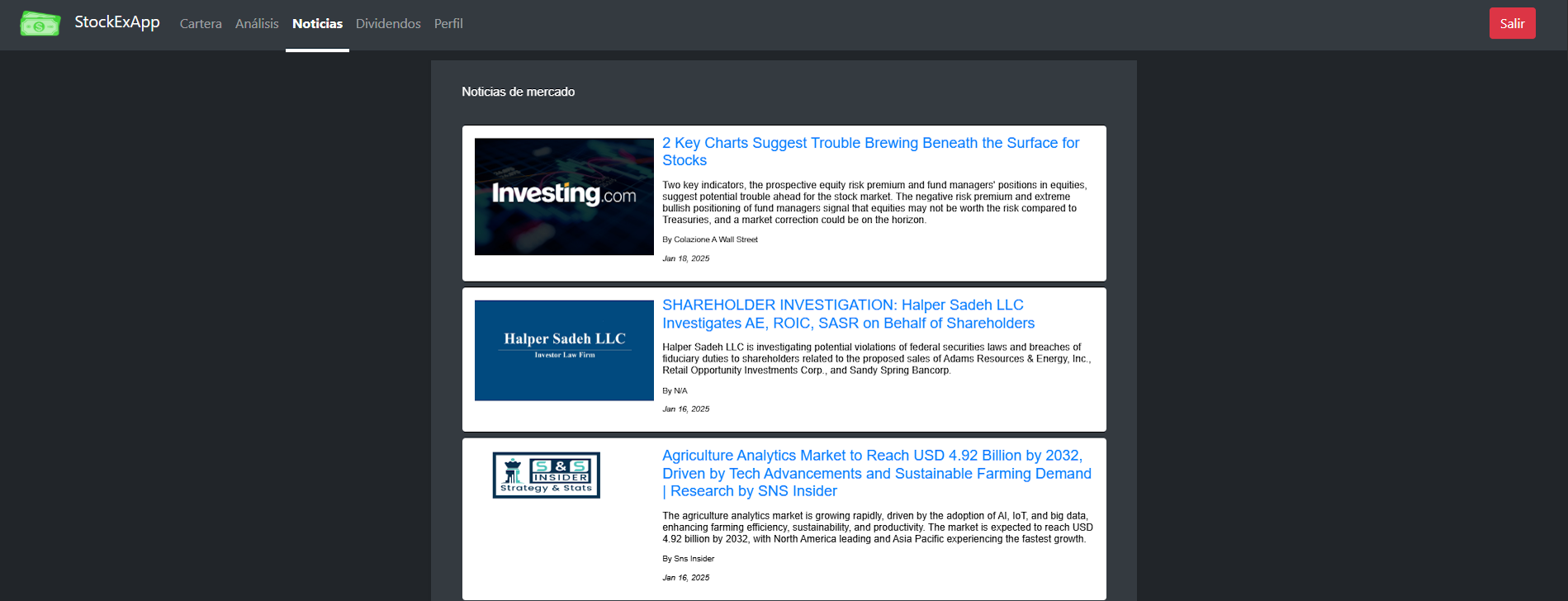
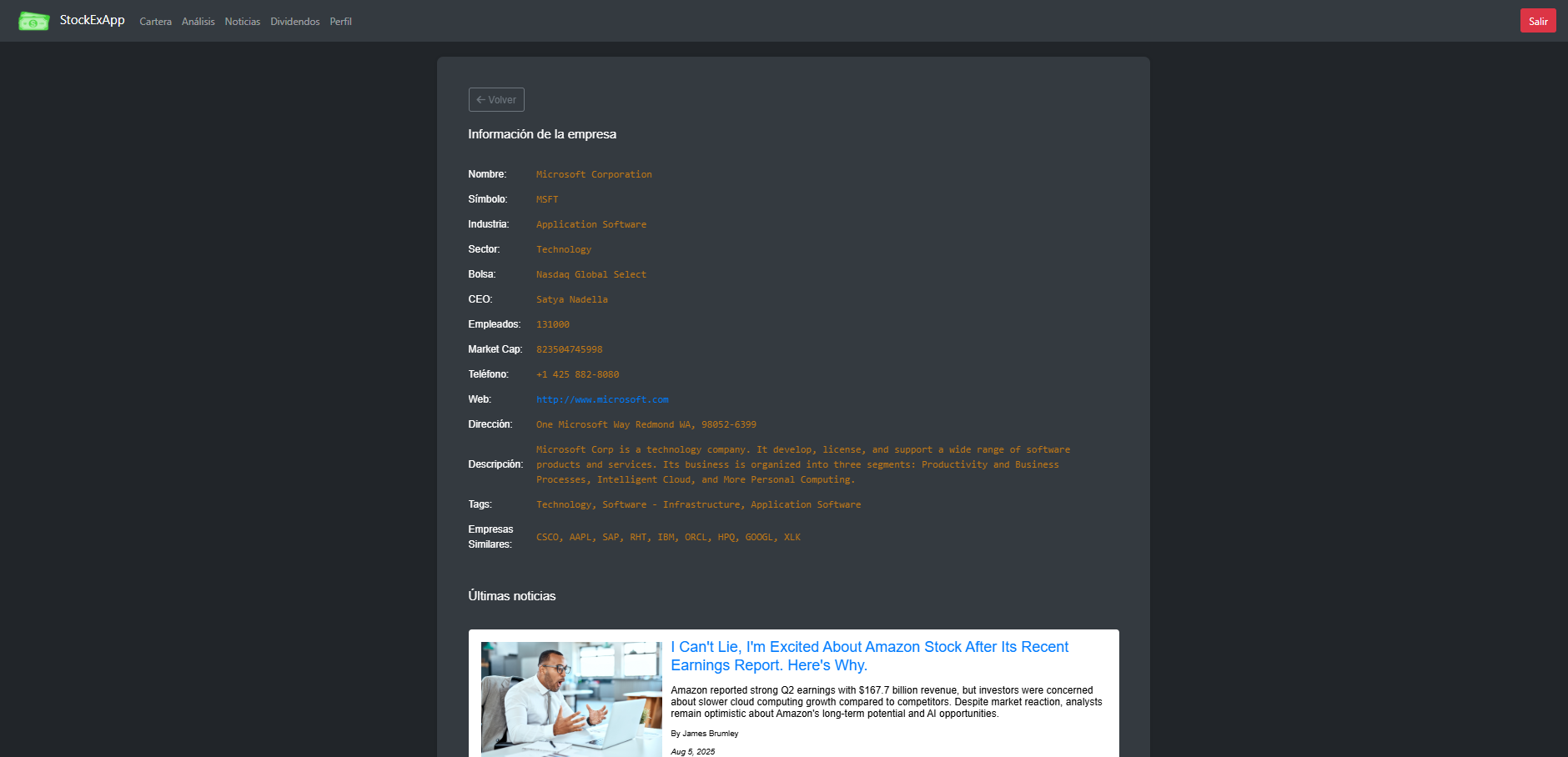
- Información actualizada: últimas noticias del mercado y de las empresas.
- Frontend: Angular 18
- Backend: Node.js 14 con Express 4
- Base de Datos: MongoDB
- APIs Integradas:
/clientBolsa: Frontend en Angular./serverBolsa: Backend con Express y Node.js.
Sigue estos pasos para instalar y ejecutar la aplicación StockExApp en tu entorno local.
Clona el repositorio desde GitHub usando el siguiente comando:
git clone https://github.com/jit87/StockExApp.gitNavega al directorio serverBolsa:
cd StockExApp/serverBolsaEjecuta el siguiente comando para instalar las dependencias necesarias:
npm installCrea un archivo .env en el directorio serverBolsa con el siguiente contenido, reemplazando your_key por tus claves de las APIs correspondientes:
FINNHUB_API_KEY=your_key
ALPHA_VANTAGE_API_KEY=your_key
POLYGON_API_KEY=your_keyEjecuta el siguiente comando para iniciar el servidor backend:
npm run devPor defecto, el servidor se ejecuta en http://localhost:4000.
Navega al directorio clientBolsa:
cd ../clientBolsaEjecuta el siguiente comando para instalar las dependencias necesarias:
npm installEjecuta el siguiente comando para iniciar el servidor frontend:
npm run devPor defecto, el frontend se ejecuta en http://localhost:4200.
- Abre tu navegador web.
- Asegúrate de que el backend esté corriendo en
http://localhost:4000. - Ve al frontend en
http://localhost:4200para usar la aplicación.
- Asegúrate de que tienes Node.js instalado (versión 14 o superior).
- Instala
npmsi no lo tienes disponible. - Comprueba que tienes acceso a internet para obtener los datos de las APIs.
Si encuentras algún problema durante la instalación, no dudes en abrir un issue en el repositorio.
Stock market application developed with the MEAN stack (MongoDB, Express, Angular, Node.js). It allows users to access real-time stock market data and historical records through various APIs.
- Real-time quotes: View prices updated instantly.
- Create stock portfolio: Add stocks to your portfolio.
- Interactive charts: Adapt to your portfolio dynamically and help visualize different sectors.
- Dividend information: Provides information about dividends to be received.
- Basic tips: Offers basic guidance on diversification based on your portfolio.
- Updated information: Latest news from the market and companies.
- Frontend: Angular 18
- Backend: Node.js 14 with Express 4
- Database: MongoDB
- Integrated APIs:
/clientBolsa: Frontend built with Angular./serverBolsa: Backend developed with Express and Node.js.
Follow these steps to install and run the StockExApp on your local environment.
Clone the repository from GitHub using the following command:
git clone https://github.com/jit87/StockExApp.gitNavigate to the serverBolsa directory:
cd StockExApp/serverBolsaRun the following command to install the necessary dependencies:
npm installCreate a .env file in the serverBolsa directory with the following content, replacing your_key with your API keys:
FINNHUB_API_KEY=your_key
ALPHA_VANTAGE_API_KEY=your_key
POLYGON_API_KEY=your_keyRun the following command to start the backend server:
npm run devBy default, the server runs on http://localhost:4000.
Navigate to the clientBolsa directory:
cd ../clientBolsaRun the following command to install the necessary dependencies:
npm installRun the following command to start the frontend server:
npm run devBy default, the frontend runs on http://localhost:4200.
- Open your web browser.
- Make sure the backend is running on
http://localhost:4000. - Go to the frontend at
http://localhost:4200to use the application.
- Make sure you have Node.js installed (version 14 or higher).
- Install
npmif it is not available. - Ensure you have internet access to fetch data from the APIs.
If you encounter any issues during installation, feel free to open an issue on the repository.