
JavaScript animation coordination and scene management
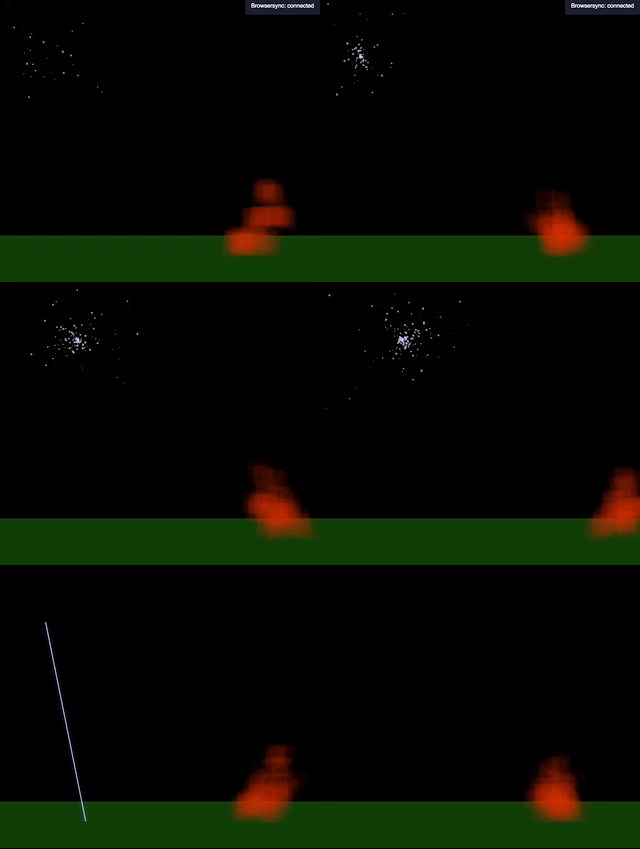
Getting started with cloud is simple, merely npm i @ion-cloud/cloud --save and then import it into your application with import {IonCloud} from '@ion-cloud/cloud';.
Please see code example here.
Setting up cloud in an app is pretty simple:
import {Easel} from '@ion-cloud/easel';
import {Ion} from '@ion-cloud/ion';
import {IonCloud} from '@ion-cloud/cloud';

const easel = new Easel(), //create our canvas instance
      scene = new IonCloud(easel,Ion); //pass the ion class and easel instance into instantiation

// we can set the camera if we want, these are the default so the following line isn't
// necessary
scene.camera = {
  x: 0,
  y: 0,
  dx: 0,
  dy: 0
};

// now we add the bubbles cloud to the scene with these settings
scene.animate('bubbles',{
  startX: easel.viewport.w/4,
  startY: easel.viewport.h/4,
  width: easel.viewport.w/2,
  height: easel.viewport.h/2,
  distance: 20, //this is how high each bubbles goes before reevaluating
  quantity: 500, //this is how many bubbles(particles) we want
  duration: 500 //this is the tweenDuration per bubble(particle)
});

scene.draw(); //this starts the animation loop for all clouds instanced