A fast, read-only code analysis instrument for your terminal.
Count lines of code, detect languages and frameworks, and generate clean reports -- all without touching a single file in the target project.


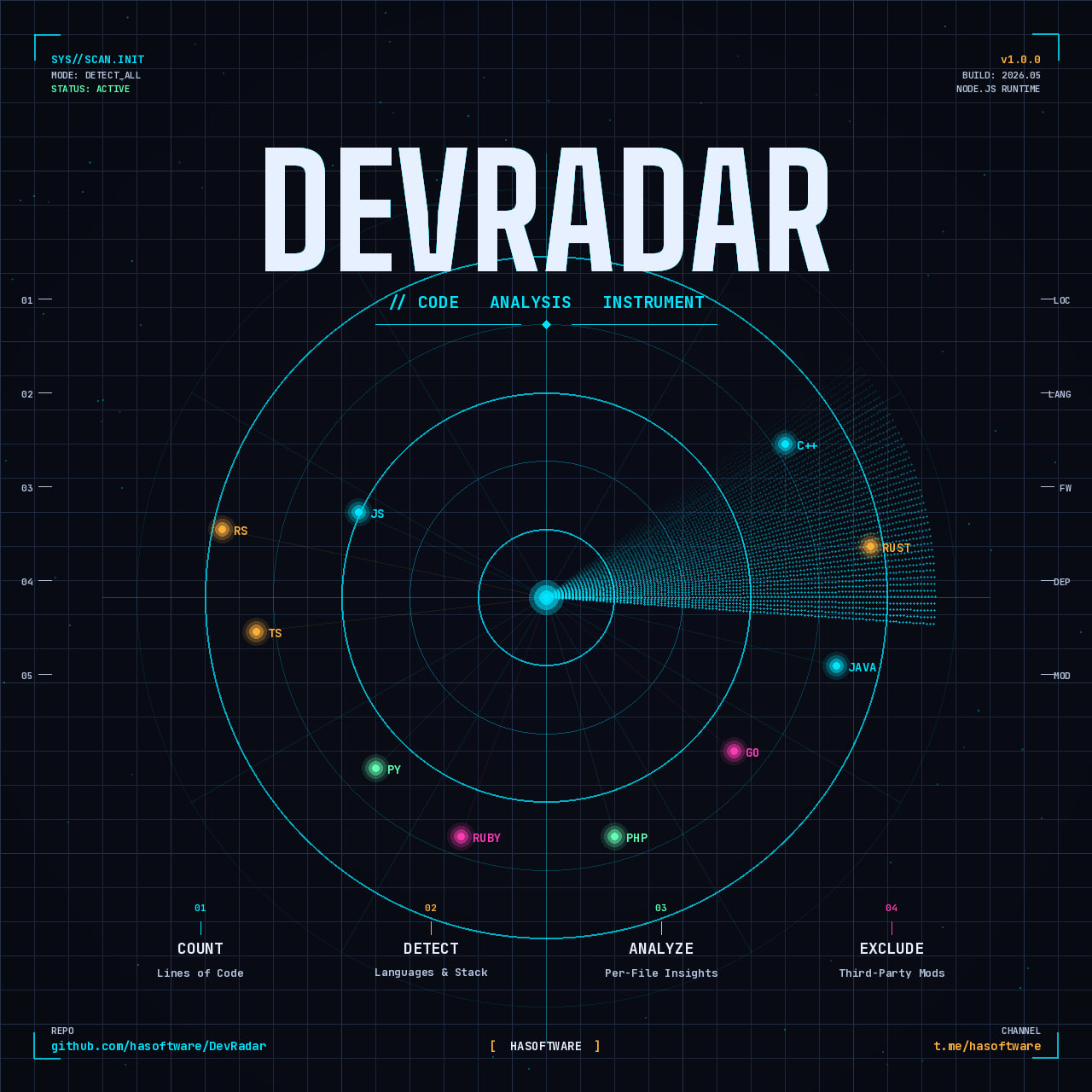
DevRadar is a command-line tool that scans any project directory and produces a detailed breakdown of:
- Lines of code -- total, code-only, comments, and blanks
- Programming languages -- detected from file extensions
- Frameworks and libraries -- parsed from manifest files (package.json, requirements.txt, go.mod, Cargo.toml, and more)
- Build tools, package managers, and databases -- identified from config files and dependencies
It is designed to be read-only: DevRadar never creates, modifies, or deletes any file in the project being analyzed.
| Category | Details |
|---|---|
| Line Counting | Total lines, pure code (comments and blanks excluded), per-file breakdown |
| Language Detection | 60+ languages via file extension mapping |
| Framework Detection | Node.js, Python, Java, Go, Rust, PHP, Ruby, .NET, Dart/Flutter |
| Monorepo Support | Detect and analyze npm/yarn/pnpm/Lerna workspaces separately |
| Compare Mode | Diff current results against a previous JSON report |
| Remote Analysis | Analyze any public Git repository by URL |
| Interactive Mode | Guided terminal prompts -- no flags to memorize |
| Visual Charts | ASCII bar chart for language distribution |
| Multiple Engines | Auto-selects tokei, cloc, or built-in counter |
| Export Formats | Terminal, JSON, CSV |
| Config File | Project-level defaults via .devradarrc.json |
| Sortable Output | Sort tables by name, lines, code, or file count |
From npm (recommended):
npm install -g @hasoftware/devradarFrom source:
git clone https://github.com/hasoftware/DevRadar.git
cd DevRadar
npm install
npm install -g .
After installation, the devradar command is available system-wide.
# Analyze the current directory
devradar

# Analyze a specific path
devradar /path/to/project

# Pure code only (exclude comments and blank lines)
devradar . --pure-code

# Per-file breakdown
devradar . --advanced

# Analyze a remote GitHub repository
devradar https://github.com/expressjs/express

# Interactive mode -- let DevRadar guide you
devradar --interactive| Flag | Short | Description |
|---|---|---|
--pure-code |
-p |
Exclude comments and blank lines from totals |
--advanced |
-a |
Include per-file statistics |
--tech-only |
Only show language and framework detection | |
--output <file> |
-o |
Write report to a file |
--format <fmt> |
-f |
Output format: terminal, json, csv |
--exclude <pattern> |
Additional exclude pattern (repeatable) | |
--sort <field> |
-s |
Sort tables: name, lines, code, files |
--monorepo |
Detect and analyze workspaces separately | |
--compare <file> |
Diff against a previous JSON report | |
--interactive |
-i |
Launch guided interactive mode |
--tokei |
Force the tokei engine | |
--cloc |
Force the cloc engine | |
--builtin |
Force the built-in engine | |
--version |
-v |
Show version |
--help |
-h |
Show help |
DevRadar Analysis
Project: /home/dev/my-app
Scanned: 2026-05-27T08:30:00Z
Engine:  tokei

Technologies
Frameworks       : Express, React
Package managers : npm
Build tools      : Vite
Databases        : PostgreSQL

Summary
Files:    142
Total:    8,432 lines
Code:     6,210
Comments: 1,022
Blank:    1,200

Language Distribution

  JavaScript  ██████████████████████████████   62.3%  (3,200 lines)
  TypeScript  ████████████░░░░░░░░░░░░░░░░░░   24.1%  (1,500 lines)
  CSS         ████░░░░░░░░░░░░░░░░░░░░░░░░░░    8.2%    (510 lines)
  HTML        ███░░░░░░░░░░░░░░░░░░░░░░░░░░░    5.4%    (335 lines)

By Language
┌────────────┬───────┬───────┬───────┬──────────┬───────┐
│ Language   │ Files │ Total │  Code │ Comments │ Blank │
├────────────┼───────┼───────┼───────┼──────────┼───────┤
│ JavaScript │    80 │ 4,500 │ 3,200 │      600 │   700 │
│ TypeScript │    32 │ 2,100 │ 1,500 │      280 │   320 │
│ CSS        │    18 │ 1,032 │   510 │       92 │   130 │
│ HTML       │    12 │   800 │   335 │       50 │    50 │
└────────────┴───────┴───────┴───────┴──────────┴───────┘
DevRadar auto-selects the best available engine in this order:
| Priority | Engine | Description |
|---|---|---|
| 1 | tokei | Fast, Rust-based (recommended) |
| 2 | cloc | Mature, Perl-based |
| 3 | Built-in | Zero-dependency fallback |
You can force a specific engine with --tokei, --cloc, or --builtin. The active engine is always printed in the report header.
Save a report as JSON, then compare it later to see what changed:
# Save baseline
devradar . -o baseline.json

# ... make changes to the project ...

# Compare
devradar . --compare baseline.json
Output shows deltas for files, lines, languages added/removed, and framework changes.
devradar . --monorepoDevRadar detects workspaces from:
package.jsonworkspaces (npm / yarn)pnpm-workspace.yamllerna.json
Each workspace is analyzed separately with an aggregate summary at the end.
Place a .devradarrc.json in your project root to set default options:
{
  "pureCode": true,
  "sort": "code",
  "exclude": ["test/**", "docs/**"]
}
CLI flags always take precedence over config file values.
JavaScript, TypeScript, Python, Java, C, C++, C#, Go, Rust, PHP, Ruby, Swift, Kotlin, Dart, Scala, Groovy, R, Julia, Lua, Perl, Shell, PowerShell, SQL, HTML, CSS, SCSS, Sass, Less, Vue, Svelte, Haskell, Elixir, Erlang, Clojure, F#, Nim, Zig, Crystal, Ada, TeX, and more (60+ total).
| Ecosystem | Detected |
|---|---|
| Node.js | React, Vue, Angular, Next.js, Nuxt, Svelte, Express, NestJS, Fastify, Hono, Electron |
| Python | Django, Flask, FastAPI, PyTorch, TensorFlow, scikit-learn |
| Java | Spring Boot, Quarkus, Micronaut, Hibernate |
| Go | Gin, Echo, Fiber, Chi, GORM |
| Rust | Actix Web, Rocket, Axum, Tokio |
| PHP | Laravel, Symfony, CodeIgniter |
| Ruby | Rails, Sinatra |
| .NET | ASP.NET Core, NuGet projects |
| Dart | Flutter, Dart |
| Variable | Description |
|---|---|
DEVRADAR_DEBUG=1 |
Print full stack trace on errors |
Contributions are welcome via pull requests. By submitting code you agree that it may be redistributed under the HASOFTWARE Custom License.
- Fork the repository
- Create a feature branch
- Open a pull request with a clear description
Bug reports and feature requests can be filed as GitHub Issues.
DevRadar is released under the HASOFTWARE Custom License. See the LICENSE file for full terms.
Permitted: Personal use, lawful commercial use, contributions via pull requests, forking for learning and research.
Prohibited: Creating derivative products without permission, use in malware or illegal activities, redistribution under a different name without credit.
| Channel | Link |
|---|---|
| Telegram | @hasoftware |
| GitHub | hasoftware/DevRadar |
| npm | @hasoftware/devradar |
Built by HASOFTWARE
Practical tools for engineers.