Minishell is a recreation of bash, designed to help you understand how command-line interpreters work. With this shell, you can execute commands, handle piping (|), redirection (>), and environment variable management, mimicking the behavior of Bash. Additionally, it supports handling signals, handling exit commands, and more, making it a small but powerful shell.
This project provides a hands-on way to explore how a shell processes input, interprets commands, interacts with the operating system, and executes system calls.
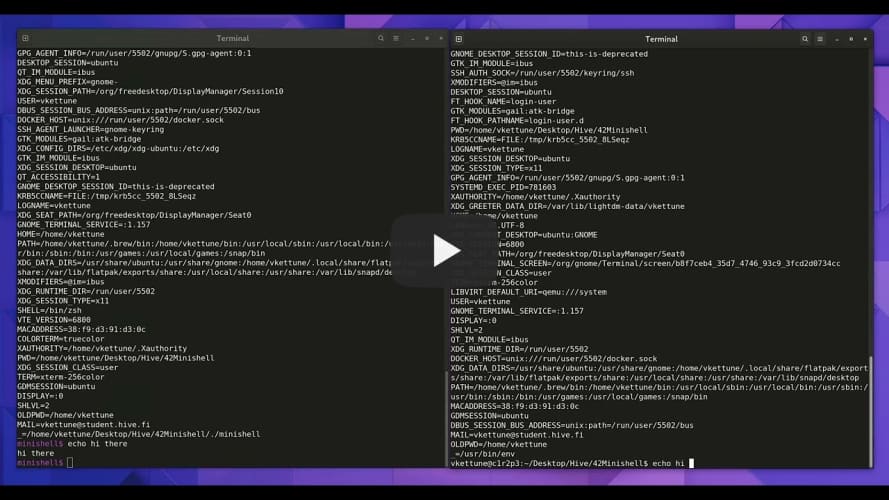
- Command Execution: Execute basic commands such as
ls,echo,cat, and more. - Pipes (
|): Connect multiple commands via pipes to pass the output of one command as input to the next. - Redirection (
>,>>,<): Redirect input and output between files and commands. - Environment Variables: Set and get environment variables like
$PATH,$USER, etc. - Signals: Handle signals like
Ctrl-CandCtrl-Dgracefully. - Customizable Prompt: Customize the shell prompt and the appearance of the shell.
- History: Track and access previously run commands (optional feature, depending on your implementation).
- Exit Command: Exit the shell with the
exitcommand.
- Clone the repository:
git clone <repository_url>
cd 42_minishell- To compile the program, simply run:
make- To run the program:
./minishellSimply type a command and press Enter to execute it. Use Ctrl-C to interrupt the running command (handled gracefully in Minishell). Use Ctrl-D to exit the shell (end of input).
ls – List directory contents echo "Hello World" – Print the string Hello World to the terminal cat file.txt – Display contents of a file exit – Exit the shell
./minishell
minishell$ echo "Hello, World!"
> Hello, World!
minishell$ ls
> Documents  Downloads  Minishell  Pictures
minishell$ cat file.txt
> This is the content of file.txt.
minishell$ exit