

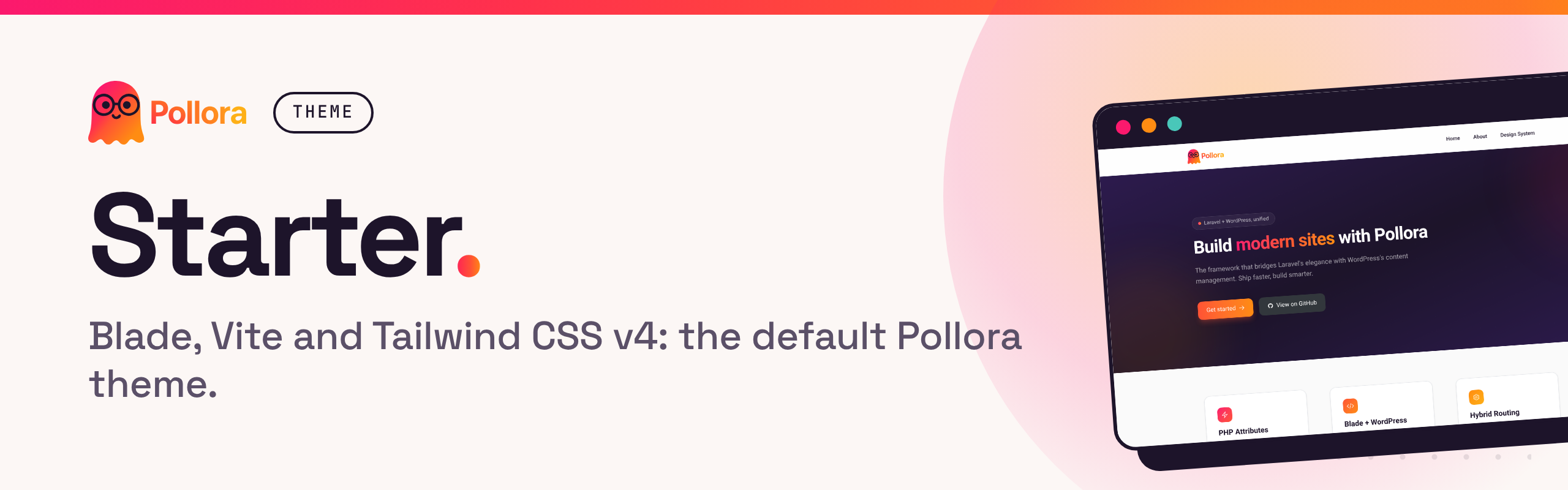


The starter theme every Pollora project begins with: Blade templates, Vite with hot reload, Tailwind CSS v4 and a block editor styled from the same design tokens as the page. It is the template php artisan pollora:make:theme downloads by default, so a new theme starts from working code instead of an empty folder.
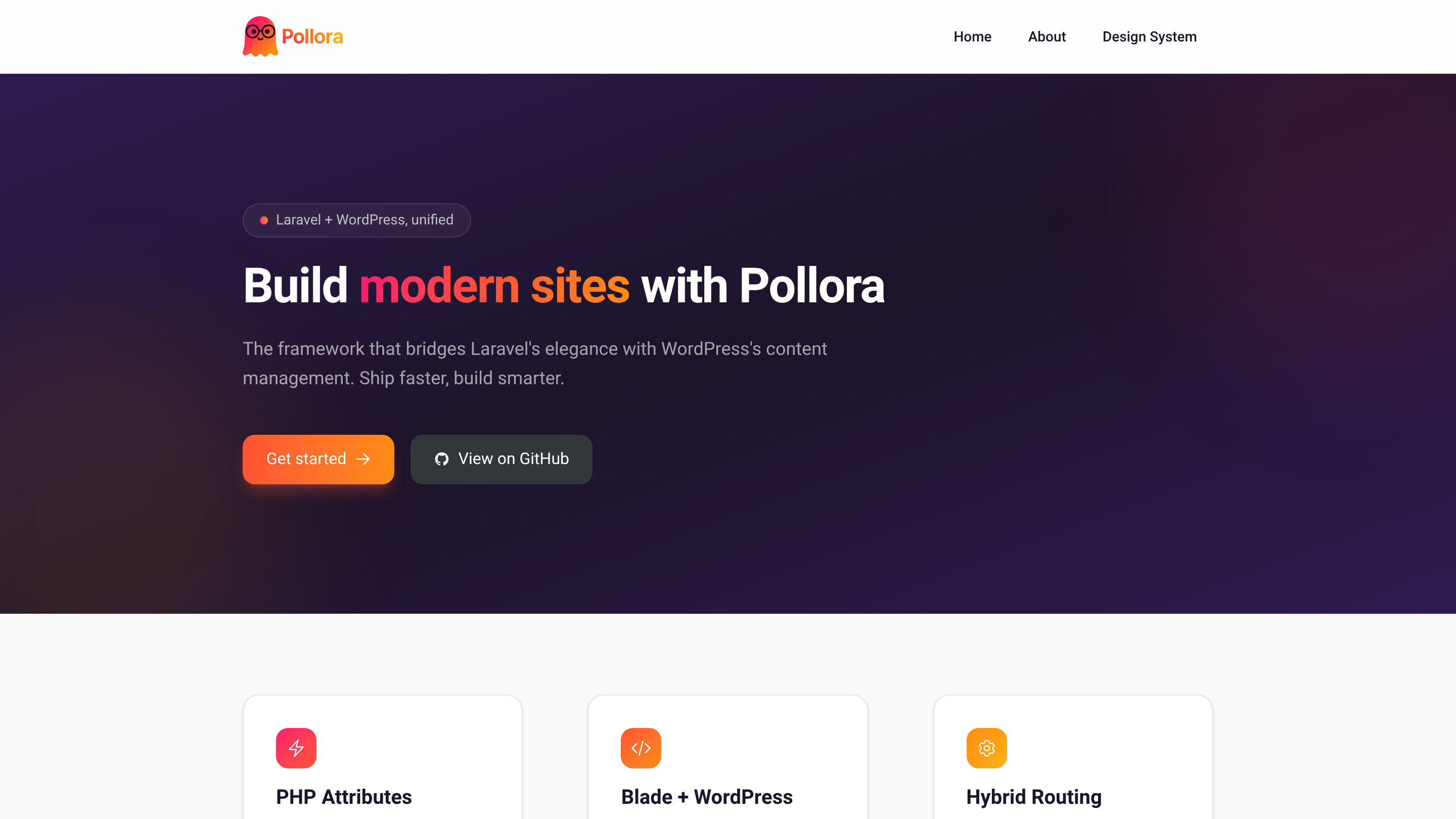
A new Pollora project generates this theme for you. In an existing project, run:
php artisan pollora:make:theme my-themeChoose "Default" when asked for a template (or pass --repository=Pollora/theme-default). The command downloads the latest tag, fills in the theme's name and namespace, runs npm install and npm run build, and offers to activate the theme.
Requirements: a Pollora project (PHP 8.4+ and WordPress 7.1+ for a new one) and Node.js 20.19+ or 22.12+ (Vite 8) for the asset build.
cd themes/my-theme
npm run dev     # Vite dev server with hot reload
npm run build   # production assets
Templates live in resources/views (index, home, single, page, 404…), Gutenberg blocks in resources/views/blocks (hero, call-to-action), and theme settings in config/ (menus, sidebars, supports, image sizes).
The design lives in the @theme static block of resources/assets/css/app.css:
colors, type scale and radii, with concrete values. npm run build writes
them into the theme.json the editor reads
(public/build/theme/<slug>/assets/theme.json), so the page and the editor
always offer the same palette and sizes.
- Change a token in
app.css, not intheme.json: the roottheme.jsonis only the base (layout, fonts, block styles), and a slug defined there wins over@theme. - The font is the exception: Inter (the variable font,
InterVariable.woff2) needs afontFacedeclaration, which onlytheme.jsoncan hold, so fonts are declared there andvite.config.jsturns their generation off (disableTailwindFonts). The same option exists for colors, font sizes and radii. - Spacing and layout widths are not generated: set them in
theme.json.
See Theme.json and Vite Build Integration for the details.
Every core block is styled in theme.json (styles: root, elements, blocks),
from the presets above only, so a paragraph, a quote, a table or a button look
the same in the editor and on the page. Block-specific touches that
theme.json has no property for (the quote's gradient border, the table's
rules) sit in each block's css field, which the editor loads too.
- Reference presets by the name WordPress prints:
5xlbecomesvar(--wp--preset--font-size--5-xl). Never a Tailwind variable (var(--text-xl)): it does not exist in the editor. - A block's
csstakes one selector per rule; WordPress wraps it in:root :where(...)and breaks ona, b. app/Cms/StyleLayers.phpputs WordPress's CSS in cascade layers, declared at the top ofapp.css:theme, base, wp-core, wp, components, utilities. The block library and the global styles beat Tailwind's reset, and a Tailwind class in a Blade template always beats them. A link in the templates that should not look like a content link says so withno-underline.php bin/tests/run.phpchecks that every preset and custom variable the styles use exists.
- Themes: generating a theme, its structure,
theme.jsonand the Vite build - Assets and Vite
- Gutenberg blocks
This repository is a template: its files carry placeholders that pollora:make:theme substitutes, so it does not run as is. Develop in a Pollora test project under the code name pollora-starter, unique enough that packaging cannot replace anything by accident.
-
Generate the dev theme in your test project:
php artisan pollora:make:theme pollora-starter \ --repository=Pollora/theme-default \ --theme-author="Pollora" \ --theme-author-uri="https://pollora.dev" \ --theme-uri="https://pollora.dev" \ --theme-description="Pollora starter theme" \ --theme-version="1.0.0" -
Develop in
themes/pollora-starter/. -
Package the changes back into this repository, then review them:
./bin/package-theme.sh /path/to/your-project/themes/pollora-starter
git diff
-
Verify by regenerating the theme from the new tag once it is published:
rm -rf themes/pollora-starter
php artisan pollora:make:theme pollora-starter --repository=Pollora/theme-default
bin/package-theme.sh turns the dev values into these placeholders, and pollora:make:theme replaces them:
| Placeholder | Replaced with |
|---|---|
%theme_name% |
Theme slug (e.g. my-theme) |
%theme_namespace% |
PSR-4 namespace (e.g. Theme\MyTheme) |
%theme_uri% |
Theme URL |
%theme_author% |
Author name |
%theme_author_uri% |
Author URL |
%theme_description% |
Theme description |
%theme_version% |
Version number |
- Always use
pollora-starteras the dev theme name: the packaging script depends on it, and fails if the code name survives anywhere. bin/is removed whenpollora:make:themedownloads the theme. It holds the packaging script and the CI checks (php bin/tests/run.php).
Contributions are welcome: see the contributing guide. Report security issues privately, as described in the security policy.
The Pollora Default Theme is open-source software licensed under the MIT license. © RuBee group