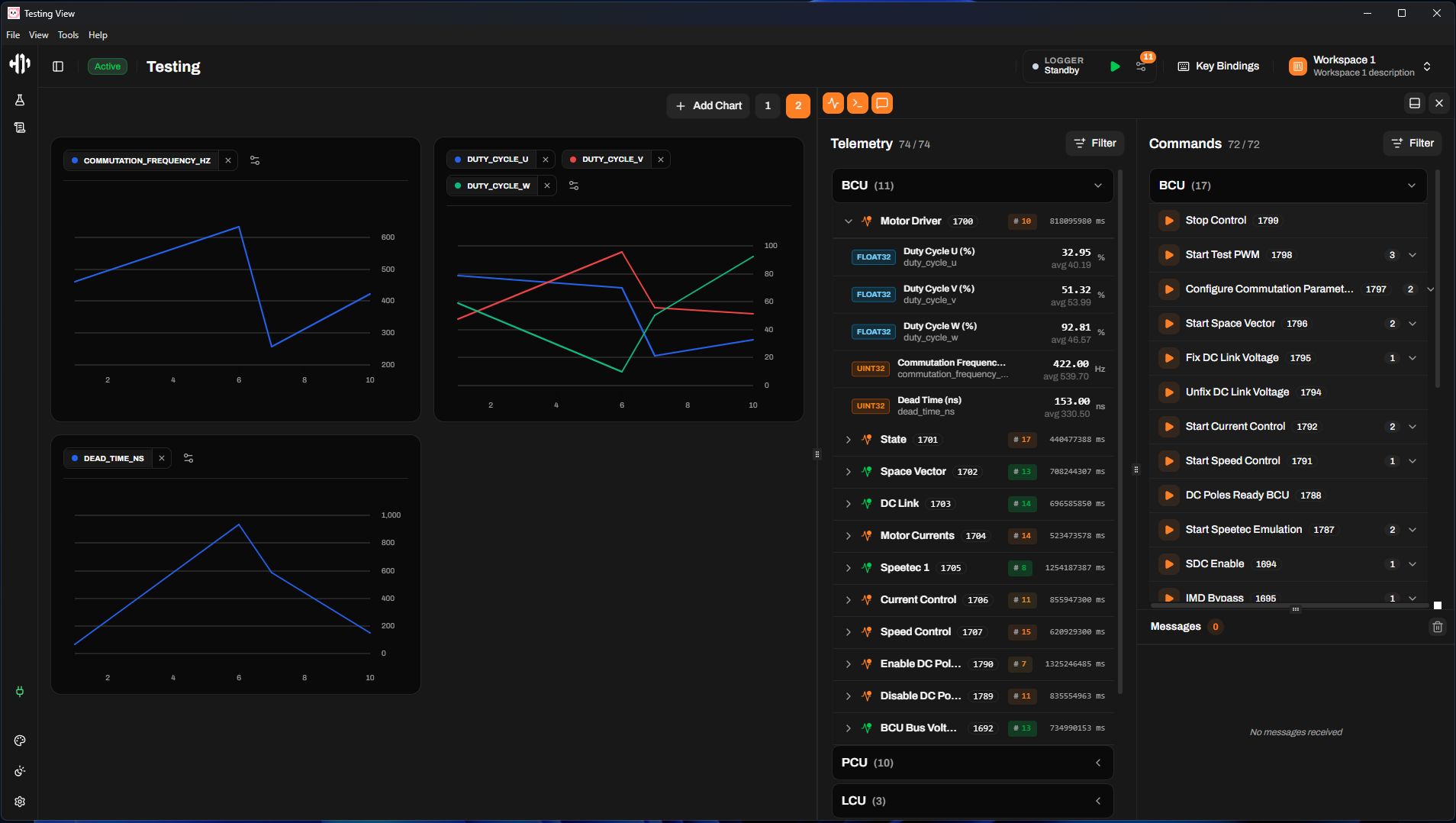
This project implements pnpm workspaces and turbo pack to manage the development lifecycle across multiple languages and frameworks.
Before starting, ensure you have the following installed:
- PNPM (v10.26.0+)
- Node.js (v20+)
- Go (for the backend)
- Python (v3.11+, for the BLCU programming service)
pnpm install automatically creates the Python virtual environment and installs dependencies for the BLCU programming service on Windows, macOS, and Linux.
Our pnpm-workspace.yaml defines the following workspaces:
| Workspace | Language | Description |
|---|---|---|
testing-view |
TS/React | Web interface for telemetry testing |
competition-view |
TS/React | UI for the competition |
flashing-view |
TS/React | UI for flashing firmware to the BLCU board |
backend |
Go | Data ingestion and pod communication server |
blcu-programming |
Python | FastAPI service that flashes firmware to the BLCU board via TFTP |
hyperloop-control-station |
JS | The main Control Station electron desktop application |
e2e |
TS | End-to-end tests for the whole app (Playwright) |
@workspace/ui |
TS/React | Shared UI component library (frontend-kit) |
@workspace/core |
TS | Shared business logic and types (frontend-kit) |
@workspace/eslint-config |
ESLint | Common ESLint configuration (frontend-kit) |
@workspace/typescript-config |
TS | Common TypeScript configuration (frontend-kit) |
These commands should be executed from the root directory (/software).
Note: If you prefer to run scripts from a specific
package.json, you cancdinto the folder and execute them withpnpmwithout filtering.
pnpm dev– Runs both frontends and the backend (withdev-config.toml) in a single terminal window.pnpm dev:main– Runs frontends and the backend using the standardconfig.toml.
All Turbo scripts support filtering to target specific workspaces:
pnpm dev --filter testing-view– Runs thedevscript specifically for the Testing View.
! Important: You must refer to a workspace by the
namefield defined in its localpackage.json.
pnpm build– Compiles every package in the monorepo (Go binaries, Rust crates, and Vite apps).pnpm test– Runs all test suites across the repo (Vitest, Go tests, Cargo tests, and Playwright e2e tests).pnpm lint– Runs ESLint across all TypeScript packages.pnpm preview– Previews the production Vite builds for the frontend applications.
pnpm start– Launches the Electron app directly (requires a prior build).pnpm build:win– Packages the Electron app for Windows.pnpm build:linux– Packages the Electron app for Linux.pnpm build:mac– Packages the Electron app for macOS.
pnpm build:testing-view– Builds only the Testing View frontend.pnpm build:competition-view– Builds only the Competition View frontend.pnpm build:flashing-view– Builds only the Flashing View frontend.
-
pnpm ui:add <component-name>- To add shadcn/ui componentsNote: don't forget to also include it in frontend-kit/ui/src/components/shadcn/index.ts to be able to access it from @workspace/ui