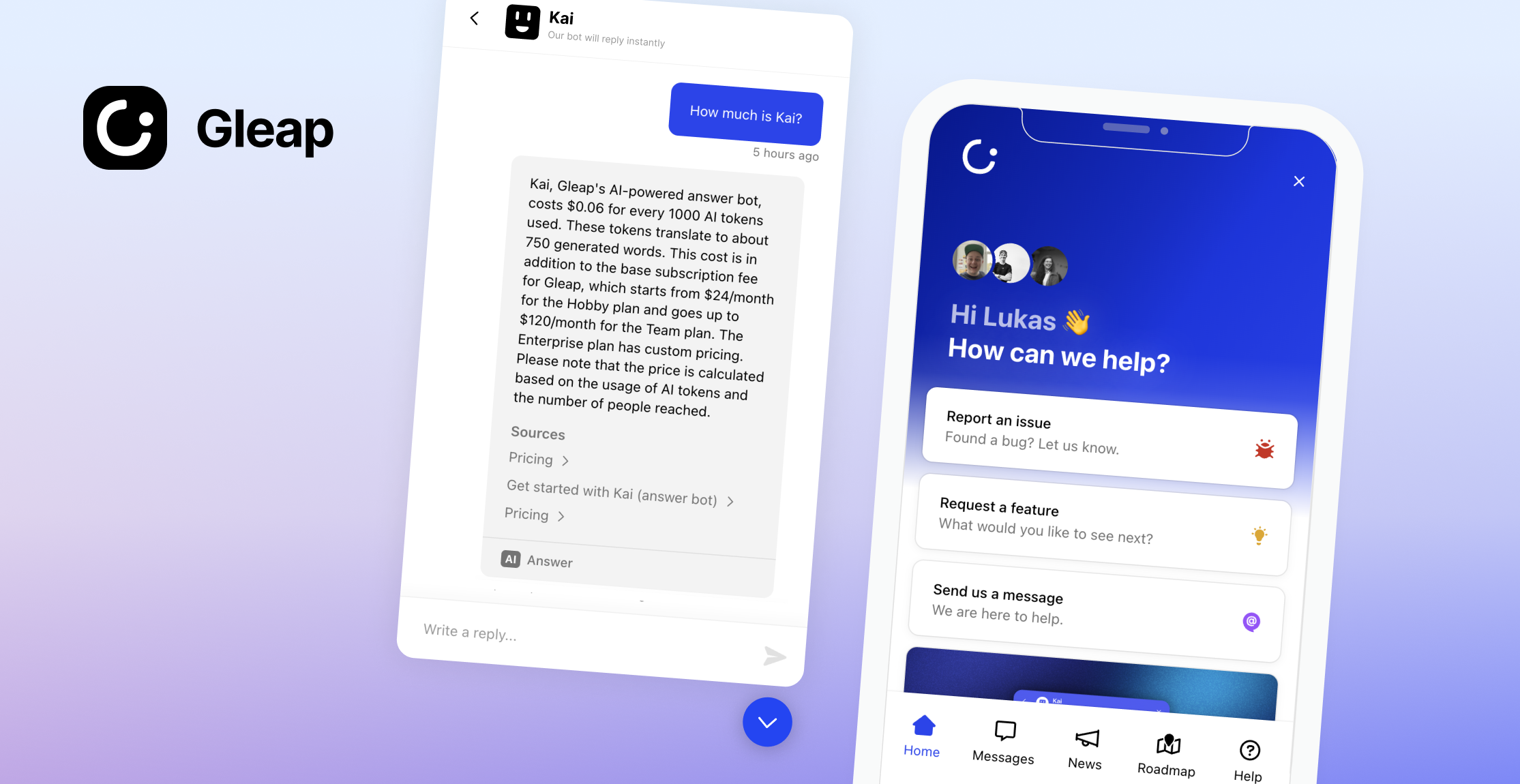
Add AI-native customer support, live chat, in-app bug reporting, a help center and surveys to websites and web apps using JavaScript or TypeScript with Gleap. Gleap is an Intercom alternative for software teams that connects customer conversations and feedback with product development.
SDK documentation · Website · Plans and pricing
Checkout our documentation for full reference.
1.) Create a Gleap account and project. See the current plans and trial terms.
2.) Include the Gleap JS SDK within your apps.
Install the Gleap package via npm or yarn.
npm install gleap --save
Import the Gleap package.
import Gleap from 'gleap';
TypeScript projects: the package types the <gleap-*> elements for both React 18 and React 19. This requires @types/react 18.2.6 or newer (17.0.51+ / 16.14.41+ on older React lines). If you see errors like Type '"span"' is not assignable to type 'ElementType' after installing, run npm i -D @types/react@latest.
Add the following code to initialize the Gleap JavaScript SDK. Replace "SDK-TOKEN" with your actual SDK token from the Gleap dashboard.
Gleap.initialize("SDK-TOKEN");
Projects hosted in the US data region select it before initializing. The default region is eu. See docs/custom-widget-domains.md for the host table and custom domains.
Gleap.setRegion("us");
Gleap.initialize("SDK-TOKEN");
Congrats, you are now all set! Report your first bug by using the feedback button.
We are here to help! hello@gleap.io